Call: 1-800-871-2119   
Logo Logo Logo Logo Logo
0
  • No products in the cart.
Cart Total:$ 0.00
  • Shop
  • Services
    • Home Security Systems
    • Small Business
    • Security Cameras
    • 24/7 Monitoring
    • Mobile Surveillance
    • Access Control
  • Blog
  • Company Info
    • About Us
    • Testimonials
    • Careers
    • Locations
  • Contact Us
  • Locations
  • Shop
  • Services
    • Home Security Systems
    • Small Business
    • Security Cameras
    • 24/7 Monitoring
    • Mobile Surveillance
    • Access Control
  • Blog
  • Company Info
    • About Us
    • Testimonials
    • Careers
    • Locations
  • Contact Us
  • Locations
Search:

New Equipment and Features

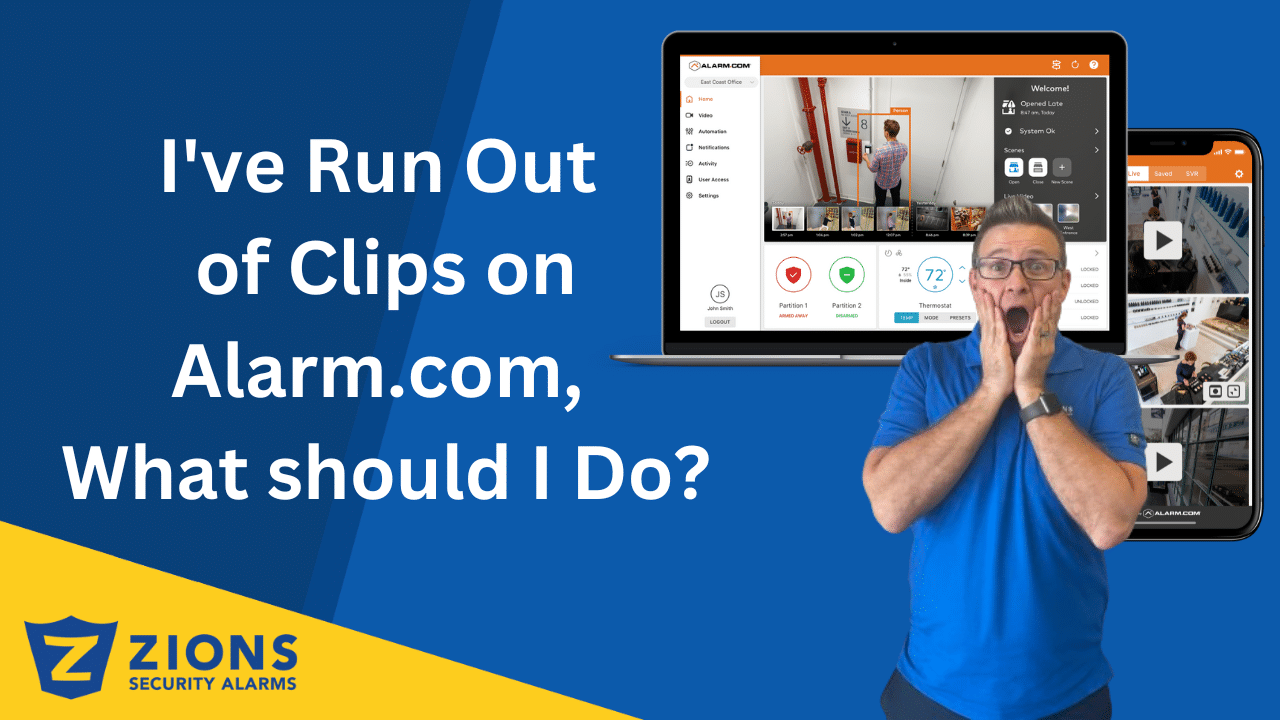
I've Run Out of Clips on Alarm.com, What should I Do?
29 April, 2026 in New Equipment and Features / 0 Comments
I’ve Run Out of Clips on Alarm.com, What Should I Do?
Alarm.com Location Insights When an Alarm Goes Off
22 April, 2026 in New Equipment and Features / 0 Comments
Alarm.com Location Insights When an Alarm Goes Off
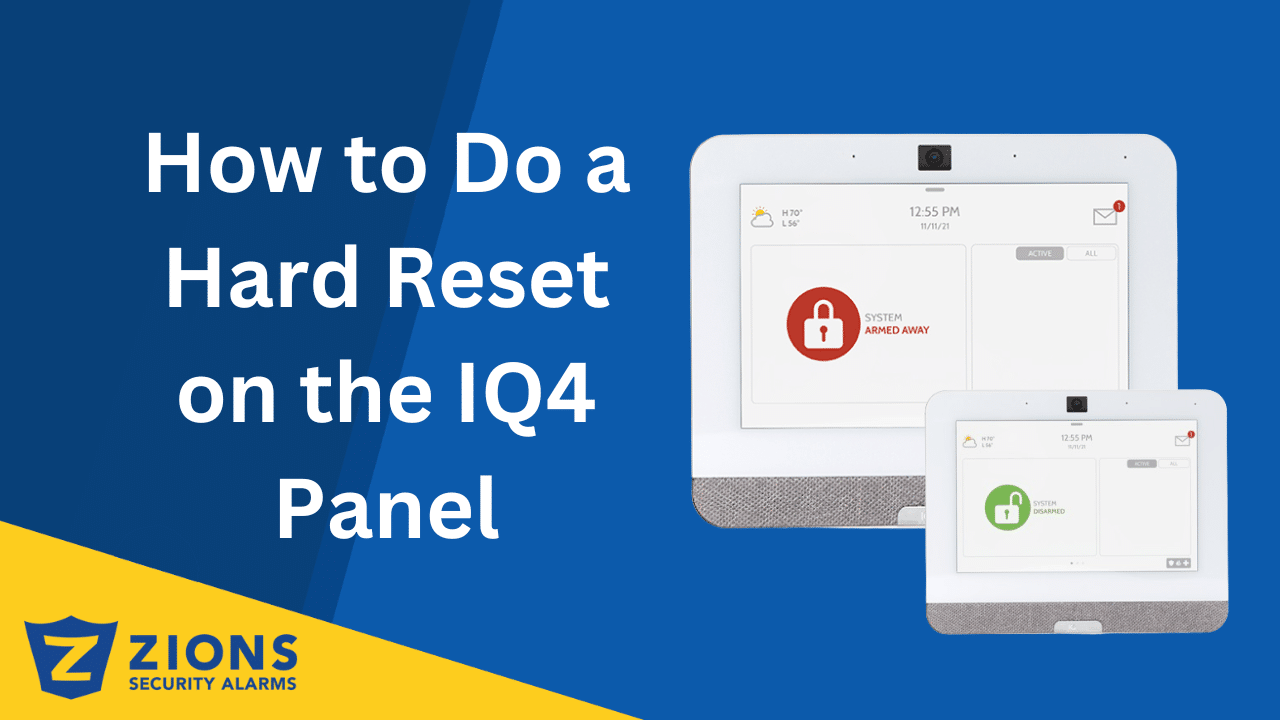
How to Do a Hard Reset on the IQ4 Panel
07 April, 2026 in New Equipment and Features / 0 Comments
How to Power Cycle (Reboot) the IQ4 Panel
Find Video Footage Easily With Alarm.com AI Video Event Search
03 April, 2026 in New Equipment and Features / 0 Comments
Find Video Footage Easily With Alarm.com AI Video Event Search
How to Set Up Business Video Analytics on Your Alarm.com System
24 March, 2026 in New Equipment and Features / 0 Comments
How to Set Up Business Video Analytics on Alarm.com
How Sunflower Labs’ Drone System Protects High-Value Properties at Scale
17 March, 2026 in New Equipment and Features / 0 Comments
How Sunflower Labs’ Drone System Protects High-Value Properties at Scale
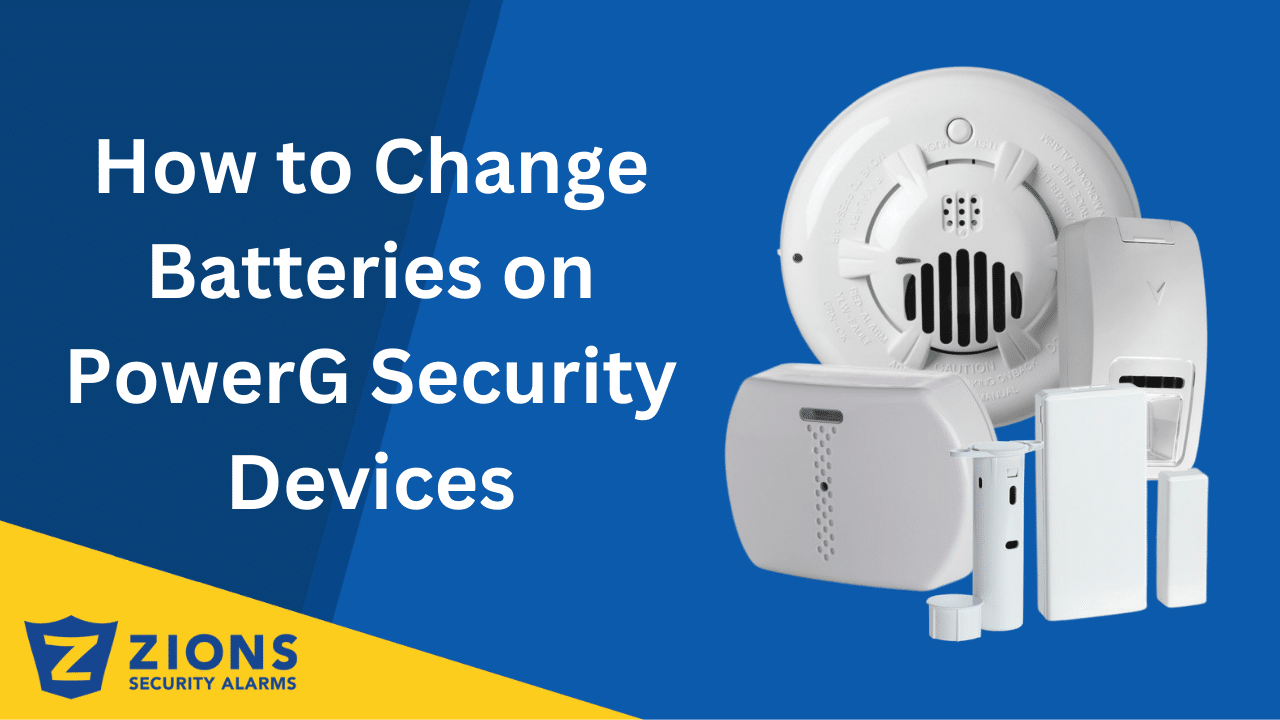
How to Change Batteries on PowerG Security Devices
04 March, 2026 in New Equipment and Features / 0 Comments
How to Change Batteries on PowerG Security Devices
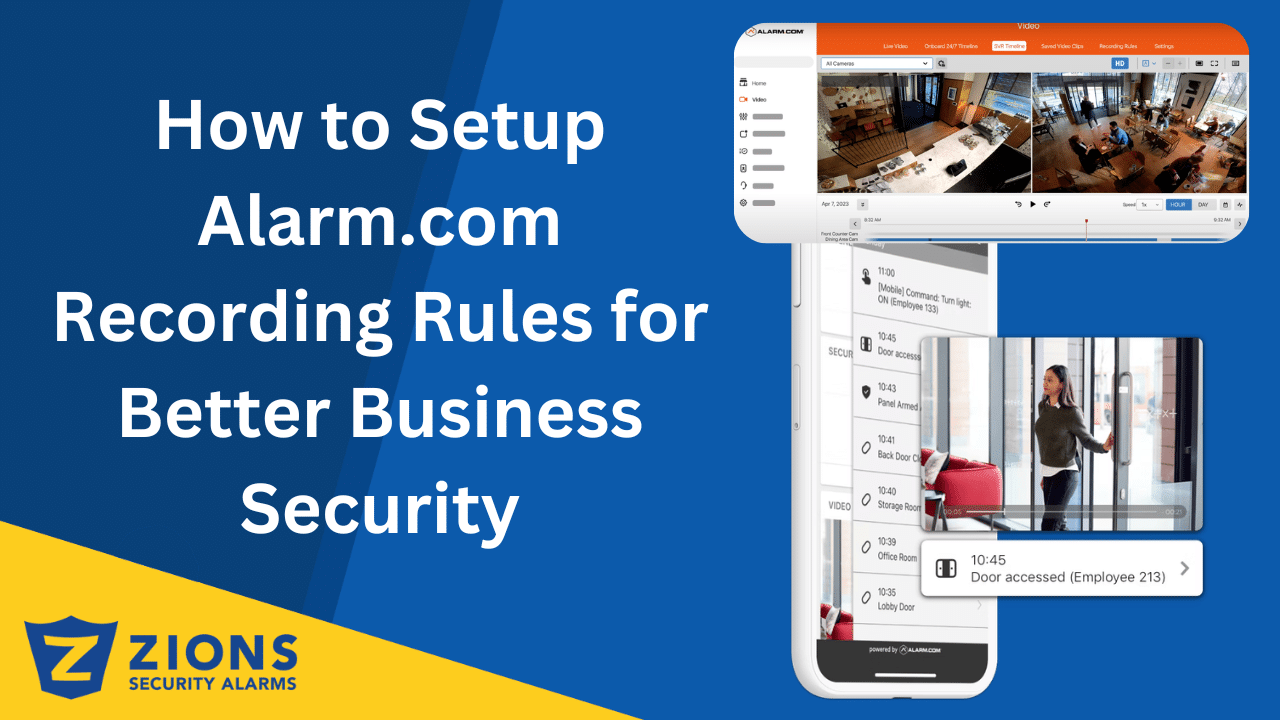
How to Setup Alarm.com Recording Rules for Better Business Security
24 February, 2026 in New Equipment and Features / 0 Comments
How to Set Up Recording Rules on Alarm.com for Business
What’s new with Qolsys IQ5 Panel
17 February, 2026 in New Equipment and Features / 0 Comments
Qolsys Releases the New IQ5 Panel – What you Need to Know
Visual Verification with Alarm.com Cameras
06 February, 2026 in New Equipment and Features / 0 Comments
Visual Verification with Alarm.com Cameras
Show more
Loading new posts...
No more posts
Products
  • Premium Touchscreen System
  • Touchscreen System
  • Other Equipment
  • Access Control
  • User Manuals
Customer Service
  • Make A Payment
  • Sign Up
  • Update Payment
  • Update Emergency Contact List for Monitoring Station
  • Terms and Conditions
Company
  • Contact Us
  • About
  • Testimonials
  • Locations
  • Careers
  • Tech Invoices
Zions Security Alarms BBB Business Review
Powered By Alarm.com

Copyright 2024 Zions Security