Call: 1-800-871-2119   
Logo Logo Logo Logo Logo
0
  • No products in the cart.
Cart Total:$ 0.00
  • Shop
  • Services
    • Home Security Systems
    • Small Business
    • Security Cameras
    • 24/7 Monitoring
    • Mobile Surveillance
    • Access Control
  • Blog
  • Company Info
    • About Us
    • Testimonials
    • Careers
    • Locations
  • Contact Us
  • Locations
  • Shop
  • Services
    • Home Security Systems
    • Small Business
    • Security Cameras
    • 24/7 Monitoring
    • Mobile Surveillance
    • Access Control
  • Blog
  • Company Info
    • About Us
    • Testimonials
    • Careers
    • Locations
  • Contact Us
  • Locations
Search:

New Equipment and Features

03 February, 2026 in New Equipment and Features / 0 Comments
PowerG+ is the Next Generation of Wireless Security
16 January, 2026 in New Equipment and Features / 0 Comments
Protecting Your Vacation Home: Security Challenges and Solutions
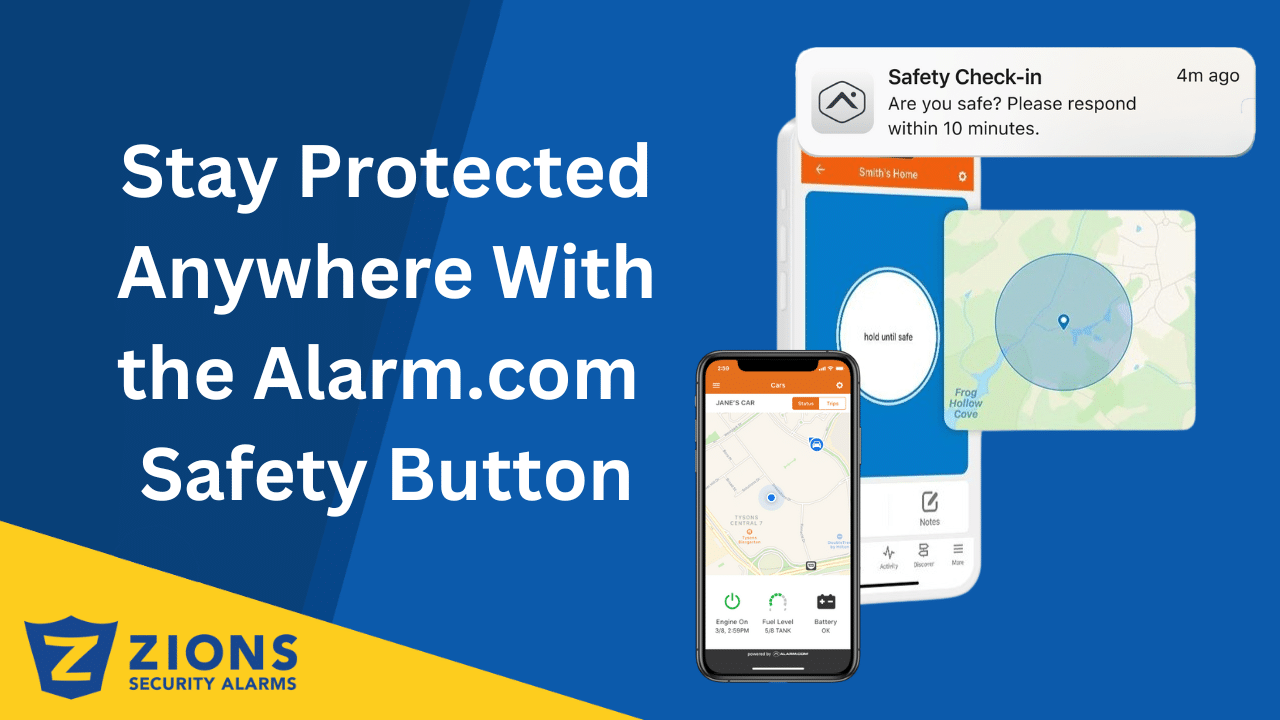
Stay Protected Anywhere With the Alarm.com Safety Button
13 January, 2026 in New Equipment and Features / 0 Comments
Stay Protected Anywhere With the Alarm.com Safety Button
How To Pre-Wire A Home Security Correctly
06 January, 2026 in New Equipment and Features / 0 Comments
How To Pre-Wire A Home for Security Correctly
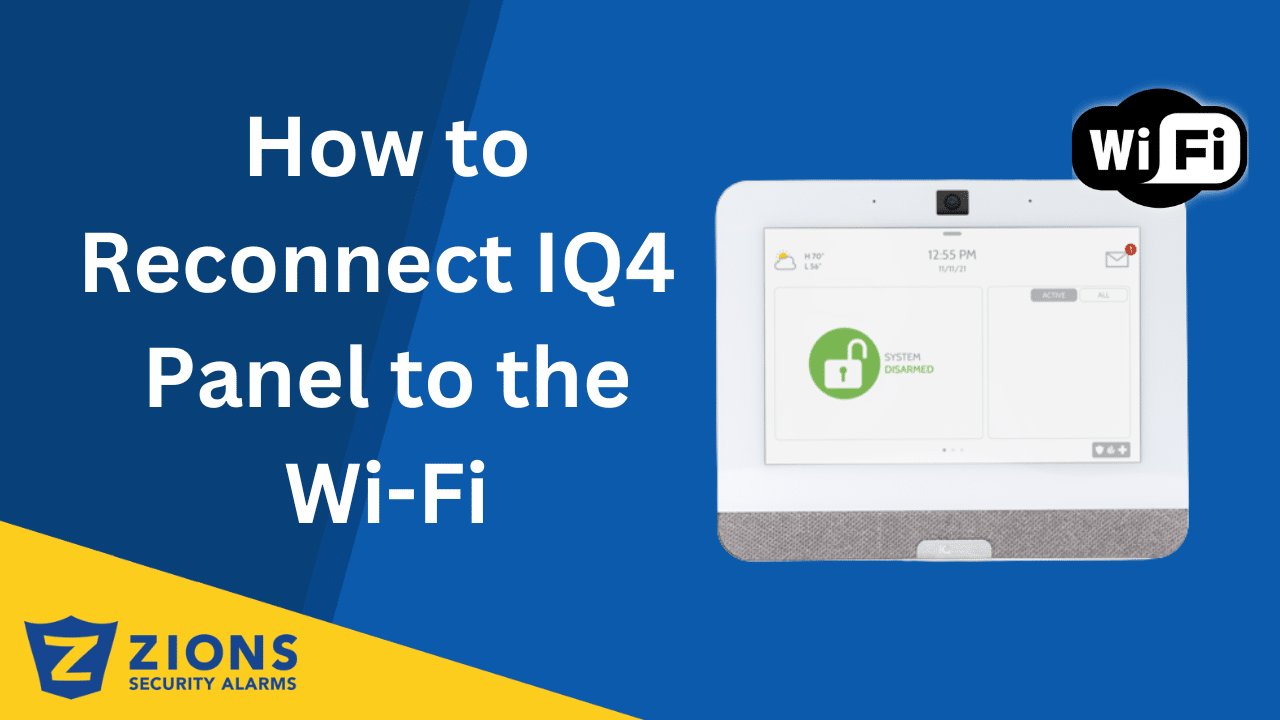
How to reconnect IQ4 Panel to wifi
30 December, 2025 in New Equipment and Features / 0 Comments
How to Reconnect Your IQ4 Panel to Wi-Fi
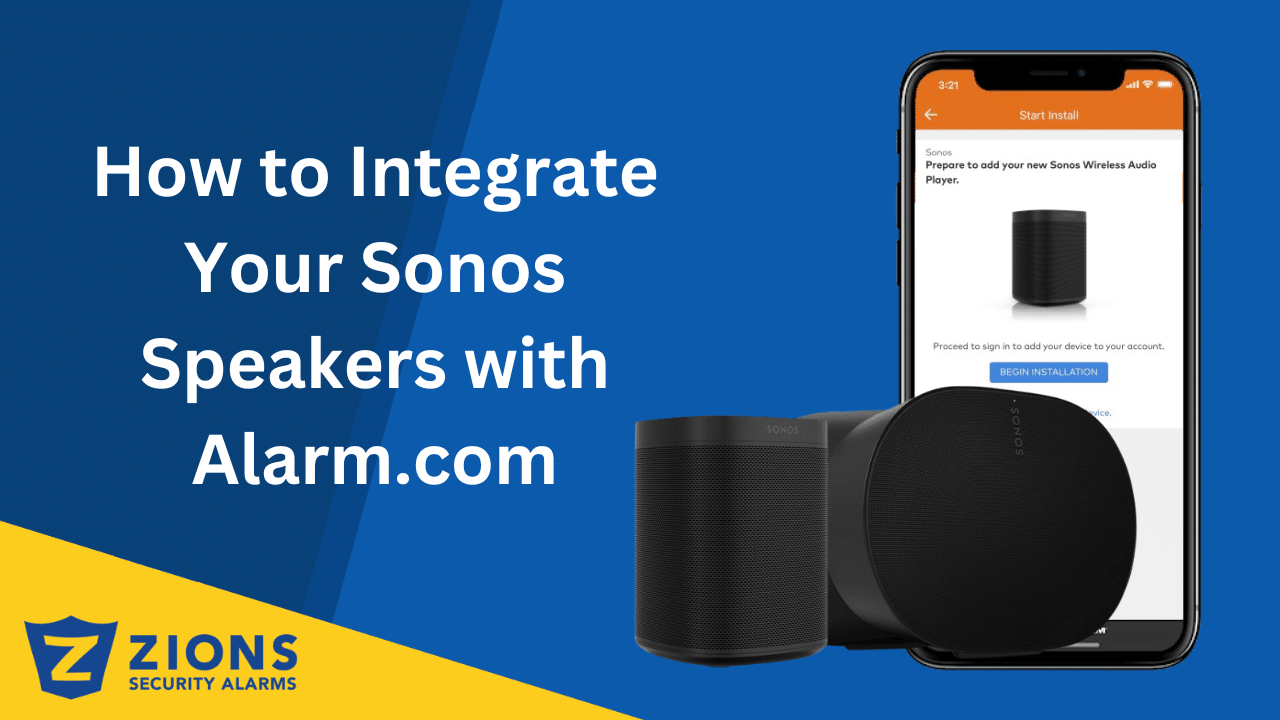
How to Integrate Your Sonos Speakers with Alarm.com
26 December, 2025 in New Equipment and Features / 0 Comments
How to Integrate Your Sonos Speakers with Alarm.com
The Smart Familiar Face Recognition Feature on Alarm.com Doorbell Cameras
18 December, 2025 in New Equipment and Features / 0 Comments
The Smart Familiar Face Recognition Feature on Alarm.com Doorbell Cameras
13 December, 2025 in New Equipment and Features / 0 Comments
Alarm.com Releases Their First Battery Powered Camera Opening Endless Possibilities
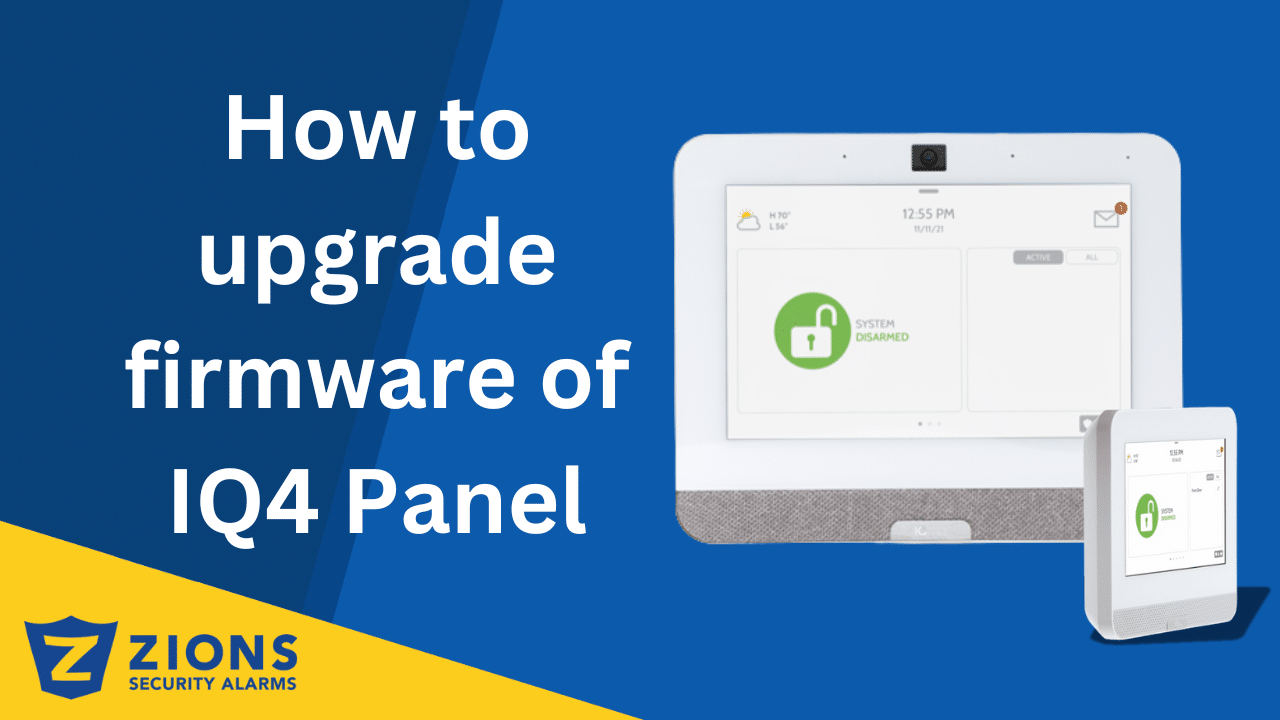
How to upgrade firmware of IQ4 Panel
27 November, 2025 in New Equipment and Features / 0 Comments
How to Upgrade Firmware of the IQ4 Panel
How to Reset Power on Alarm.com Video Doorbell
20 November, 2025 in New Equipment and Features / 0 Comments
How to Reset Power on Alarm.com Video Doorbell
Show more
Loading new posts...
No more posts
Products
  • Premium Touchscreen System
  • Touchscreen System
  • Other Equipment
  • Access Control
  • User Manuals
Customer Service
  • Make A Payment
  • Sign Up
  • Update Payment
  • Update Emergency Contact List for Monitoring Station
  • Terms and Conditions
Company
  • Contact Us
  • About
  • Testimonials
  • Locations
  • Careers
  • Tech Invoices
Zions Security Alarms BBB Business Review
Powered By Alarm.com

Copyright 2024 Zions Security