

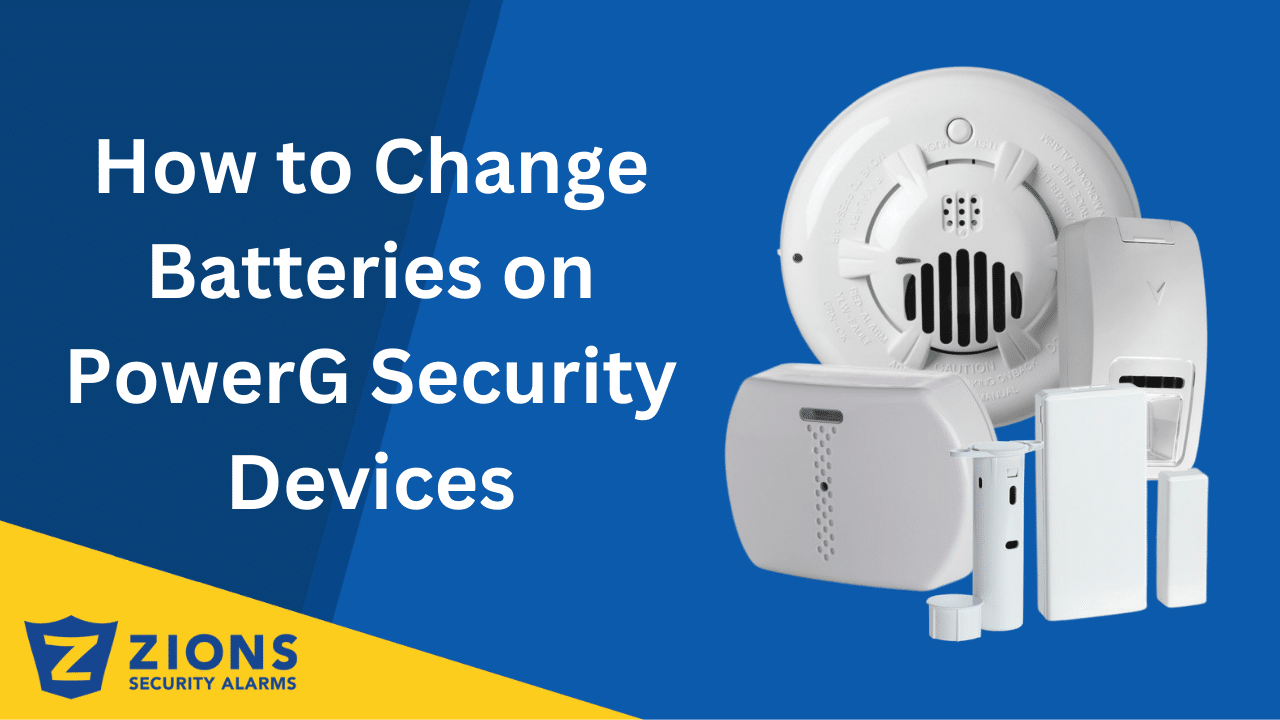
04 Mar How to Change Batteries on PowerG Security Devices
Keeping your PowerG security devices powered is essential to ensure your home or business remains protected at all times. Just like any battery-powered device, these sensors and detectors will eventually need a battery replacement. If you’ve received a low-battery alert, don’t worry, knowing how to change batteries on PowerG security devices is simple and only takes a few minutes.
The good news is that changing the batteries on PowerG devices is simple and only takes a few minutes. However, many people hesitate because they worry about removing a sensor incorrectly or not knowing which battery to use. That’s why we’ve put together a series of short, step-by-step video guides to make the process easier for you.
PowerG devices are designed for reliability and long-lasting performance, but when the battery runs low, your system will usually alert you with a notification. Replacing the battery promptly ensures your devices continue to function properly without leaving gaps in your security coverage. Whether it’s a smoke detector that could save lives, a motion detector guarding your home, or a keyfob you use every day, keeping them powered is critical.
In this guide, we’ll show you how to change the batteries in the most common PowerG devices. Each section includes a quick description of the device’s role in your security system, followed by a direct link to our YouTube video tutorial so you can follow along step-by-step.
PowerG Carbon Monoxide Detector
The PowerG Carbon Monoxide Detector protects your household from the silent danger of carbon monoxide gas. Since CO is odorless and invisible, your detector is often the only line of defense. A weak or dead battery could mean missing a critical alert that could save lives. To keep it functioning properly, this detector uses Lithium 3V batteries, which are easy to replace following our step-by-step video.
- Twist or release the detector from its mounting bracket.

- Open the battery compartment cover.
- Remove the old 3V lithium batteries.
- Insert three fresh AAA lithium batteries, making sure the positive and negative ends match the markings.

- Close the compartment and reattach the detector to its bracket.
- Test the detector using the test button to confirm it’s working.
Our video guide walks you through how to safely open the detector, remove the old battery, and install a new one without damaging the unit. After replacement, it’s important to test the detector to ensure it’s functioning properly.
PowerG Wireless Thin Door Window Sensor
The Wireless PowerG Door Sensor installs on doors or windows and alerts your system when they open or close. It is compact, reliable, and easy to maintain. Most models use one CR2450 3V lithium coin battery. Always confirm the battery type printed inside your device before purchasing a replacement.
How to Change the Battery:
- Remove the Cover

- Carefully take out the CR2450 coin battery.
- Place the new battery with the “+” side facing up. Make sure it sits securely in the holder.

- Snap the cover back into place until it clicks firmly.
- Open and close the door to confirm your system registers the activity.
Changing the battery does not erase programming or require you to reconnect the sensor.
Power G Wireless Door Window Sensor Standard
The DSC Neo Wireless Door/Window Sensor with Aux Input functions similarly but also includes an auxiliary input for additional wired contacts. It delivers strong, encrypted PowerG communication for consistent indoor protection. Most versions use one CR123A 3V lithium battery. Verify the battery type inside the sensor before replacing it.

How to Change the Battery:
- Press the release tab or gently pry open the cover.
- Take out the CR123A battery from the compartment.
- Install the new battery, matching the positive and negative markings inside the unit.
- Secure the cover until it snaps back into place.
- Open and close the protected door or window to make sure the system detects activity.
PowerG Flood Sensor
Water damage is one of the costliest home repairs — and it can start with something as simple as a leaky pipe. The PowerG Flood Sensor detects water leaks early to give you time to act. But it can’t do its job if the battery runs out. It runs on one 3V lithium battery, which can be replaced in minutes by following our tutorial. After replacement, you can test the sensor by simulating a small water leak.
How to replace the battery:
- Lift the flood sensor from its mounting spot or floor.
- Open the back cover to access the battery.

- Remove the old 3V Lithium battery.
- Place the new battery in, ensuring the correct orientation.

- Replace the cover and set the sensor back in its place.
- Test the sensor by placing a damp cloth near the probe or following your panel’s test instructions.
Our tutorial demonstrates how to replace the battery, along with a reminder to test the sensor afterward by simulating a small amount of water contact.
PowerG Glassbreak Detector
This sensor listens for the specific sound frequency of breaking glass, making it ideal for windows and glass doors. Since it operates continuously in the background, keeping a fresh battery inside is critical for round-the-clock security. To keep it operational, it uses one CR123A 3V lithium battery, which you’ll see how to replace in our simple video walkthrough.
How to replace the battery:
- Remove the detector from its wall or ceiling mount.
- Open the cover to reveal the battery compartment.

- Remove the old CR123A battery.
- Insert a new CR123A battery, matching the positive/negative markings.

- Close the cover and reattach the detector to its mount.
- Test your system to confirm the detector is reporting.
In the video, we guide you through opening the detector, swapping the battery, and checking that the device is still properly mounted to detect sound in the intended area.
PowerG Keyfob
Your keyfob is the remote control for your alarm system, letting you arm or disarm quickly with the push of a button. Over time, its battery will weaken, causing reduced range or unresponsive buttons. It’s powered by one CR2032 3V lithium coin battery, and our video shows you exactly how to open the casing and replace it without damaging the remote.
How to replace the battery:
- Carefully pry the keyfob casing apart using a small flat tool.

- Remove the old CR2032 coin battery.
- Insert a new CR2032 battery with the “+” side facing up.

- Snap the casing back together.
- Test the keyfob by pressing the arm/disarm button.
Our step-by-step video shows how to gently open the keyfob casing, replace the coin-cell battery, and snap it back together so it works like new.
PowerG Smoke Detector
Smoke detectors are one of the most important safety devices in your home, giving early warnings of fire or smoke. A weak battery could delay or prevent an alarm from sounding in an emergency. This device uses three AAA lithium batteries, which should be replaced as soon as the low-battery signal is triggered.
How to replace the battery:
- Twist the smoke detector off its ceiling mount.

- Open the battery compartment.
- Remove the three old AAA lithium batteries.

- Insert three new AAA lithium batteries, ensuring proper orientation.

- Close the compartment and reattach the smoke detector to its mount.
- Press the test button to confirm it’s working properly.
In our video, we’ll show you how to replace the battery in your PowerG Smoke Detector, test it afterward, and confirm that your security system registers the detector properly.
PowerG Recessed Door Sensor
This sleek, hidden sensor fits directly into your door frame, making it practically invisible. Because of its discreet design, replacing the battery may feel a little tricky — but our video makes it easy. It is powered by one CR2 3V lithium battery, which you can replace easily by following our tutorial on safely removing and reinstalling the sensor.
How to replace the battery:
- Gently remove the recessed sensor from the door frame.

- Remove the old CR2 battery.
- Insert a fresh CR2 battery, following polarity markings.

- Place the sensor back into the door frame securely.
- Test the sensor by opening and closing the door.
We guide you through how to carefully remove the recessed sensor, change the battery, and reinstall it without damaging the frame or sensor.
PowerG Motion Detectors
Motion detectors watch over large areas, alerting you when unexpected movement is detected. They’re critical for catching activity when no one should be inside. With a dead battery, your system won’t receive any motion alerts. They rely on one CR123A 3V lithium battery, which can be swapped in just a few minutes.
How to replace the battery:
- Remove the motion detector from its wall mount.

- Open the cover to access the battery compartment.
- Take out the old CR123A battery.

- Insert a new CR123A battery in the correct direction.

- Close the cover and reattach the detector.
- Test by walking through the covered area to confirm detection.
Our video walks you through how to remove the detector from its wall mount, swap in a new battery, and re-secure it so it’s positioned correctly to detect movement.
Final Tip
No matter which PowerG device you’re working with, always double-check that you’re using the correct replacement battery type — usually a lithium coin cell (like CR2450) or a lithium AA/CR123A, depending on the device. After replacement, it’s a good idea to test your system to ensure the device is reporting correctly.
By following our videos, you’ll have your PowerG devices powered back up in just a few minutes — keeping your security system reliable and ready when you need it most.
No Comments