


06 Jan How To Pre-Wire A Home for Security Correctly
In this blog post, we’ll guide you through how to pre-wire a home correctly, share home security pre-wiring tips, and explore how pre-wiring for smart home systems can future-proof your setup. We’ll also discuss the benefits of a well-executed pre-wire and cover potential challenges to keep in mind during the process.
Pre-wiring a home for security and alarm systems is one of the smartest investments you can make during the construction or renovation phase. It lays the groundwork for a seamless and efficient security setup, enabling you to install cameras, sensors, and other components without the hassle of messy wires or costly retrofits later on. A properly pre-wired home not only enhances your overall security but also provides flexibility for future upgrades as technology advances. This upfront preparation can save you time, money, and stress down the line, while also adding value to your property. With the right approach and careful planning, learning how to pre-wire a home security correctly can accommodate everything from traditional alarm systems to advanced smart home integrations.

Steps to Pre-Wire Your Home Correctly
- Plan Your Security Needs: Before any wires are installed, determine the scope of your security system. Identify the locations for:
- Security cameras (e.g., at entrances, driveways, and common areas).
- Alarm keypads and panels.
- Sensors for doors, windows, and motion detection.
- Additional components like sirens or intercoms.
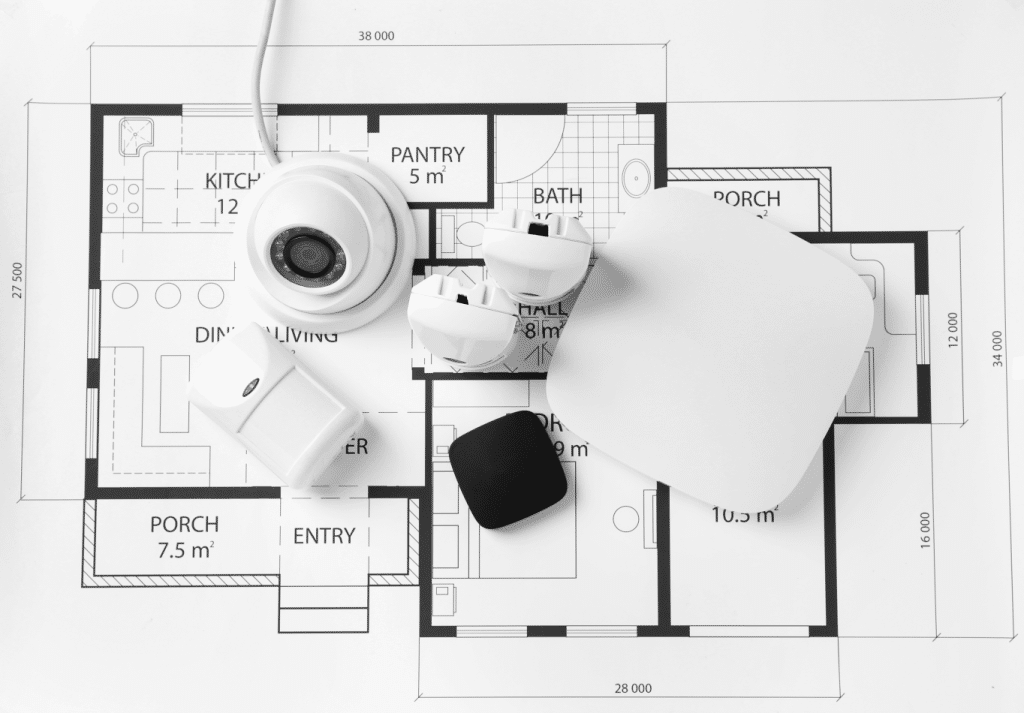
- Use a Pre-Wiring Diagram: Create a detailed wiring diagram that outlines the exact routes for cables, the type of wires needed (e.g., Cat5e, Cat6, or coaxial), and connection points. This ensures consistency and reduces errors.
- Select the Right Wire: Choose high-quality cables suitable for your equipment and the distance the signal needs to travel. Some common types include:
- Cat5e/Cat6 cables for networking or IP Cameras and Wi-Fi Access Points. (Also maybe TVs or streaming devices that you dont want to connect to Wi-Fi)
- 18/2 – Power wire for All-in-One Keypad/Panel, Wi-Fi Cameras, or hardwired sirens
- 22/4 – for hardwired keypads and powered devices like motion detectors, glassbreak detectors, etc…
- 22/2 – for hardwired door and window sensors
- Red wire that is 18/2 or 18/4 for hardwired smoke detectors
- 22/6 – for Smart Thermostats
- RG6 coaxial cable for coax cable or satelite, but who does this now-a-days?
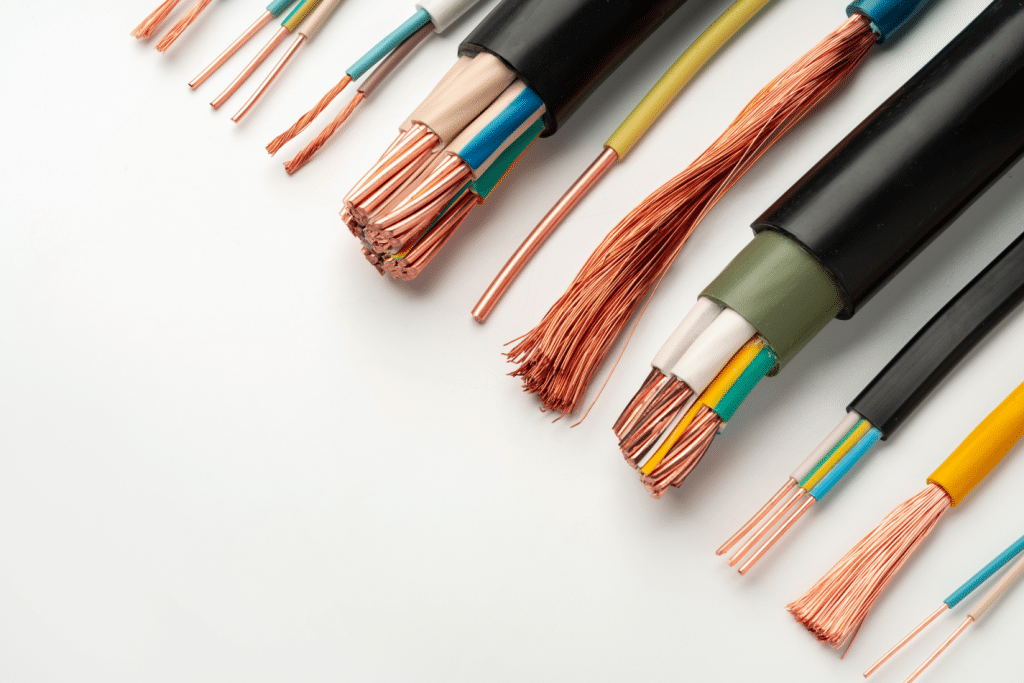
- Install Back Boxes: Run wire in walls and ceilings, keeping them away from sharp areas and power wires to protect the wires. Place back boxes where devices like cameras, keypads, or motions sensors will be mounted.
- Pull and Secure Cables: Pull the cables through the conduits or holes to their respective locations. Use cable clips or ties to secure them, avoiding tight bends or knots that could damage the wires.
- Label the Wires: Label each cable to identify its purpose and destination. This is crucial for avoiding confusion during installation and future maintenance.
- Test the Wiring: Once the wiring is complete, test the connections to ensure there are no faults or signal losses. This step is critical before the walls are closed up.
- Leave Extra Slack: Allow a little extra cable length at both ends. This ensures you have enough room to make final connections or reposition devices.

Advantages of a Good Pre-Wire
- Future-Proofing: Pre-wiring provides flexibility to upgrade or expand your security system as technology advances.
- Aesthetic and Clean Installation: Wires are hidden within walls, maintaining the home’s appearance and reducing visible clutter.
- Enhanced Performance: Wired systems provide consistent and reliable performance, free from issues such as interference that can affect wireless setups.
- Cost-Efficiency: Pre-wiring during construction is more affordable than retrofitting a completed home.
- Increased Home Value: A pre-wired home is more appealing to buyers, making it a selling point in the real estate market.
Disadvantages and Challenges of Pre-Wiring
- Initial Costs: While cost-effective in the long term, the upfront expense for materials and labor can be significant.
- Limited Flexibility Post-Construction: Once the walls are closed, making changes to the wiring layout becomes difficult and costly.
- Over-wiring Risk: Pre-wiring too many locations that may never be used can result in wasted resources.
- Cost-Efficiency: Pre-wiring during construction is more affordable than retrofitting a completed home.
- Planning Pressure: Pre-wiring requires careful planning and foresight to avoid missing critical locations or using the wrong wire types.
Pre-wiring your home for security and alarm systems is a wise decision that pays off in performance, convenience, and long-term cost savings. While it requires thoughtful planning and upfront investment, the benefits of a well-executed pre-wire far outweigh the drawbacks. By following the steps outlined above, you can create a seamless and future-ready foundation for your home security system.
If you’re considering pre-wiring your home or need professional assistance, Zions Security Alarms is here to help. We specialize in designing and installing tailored security solutions that meet your unique needs. Contact us today to learn how to pre-wire a home security system correctly and securely.
No Comments