

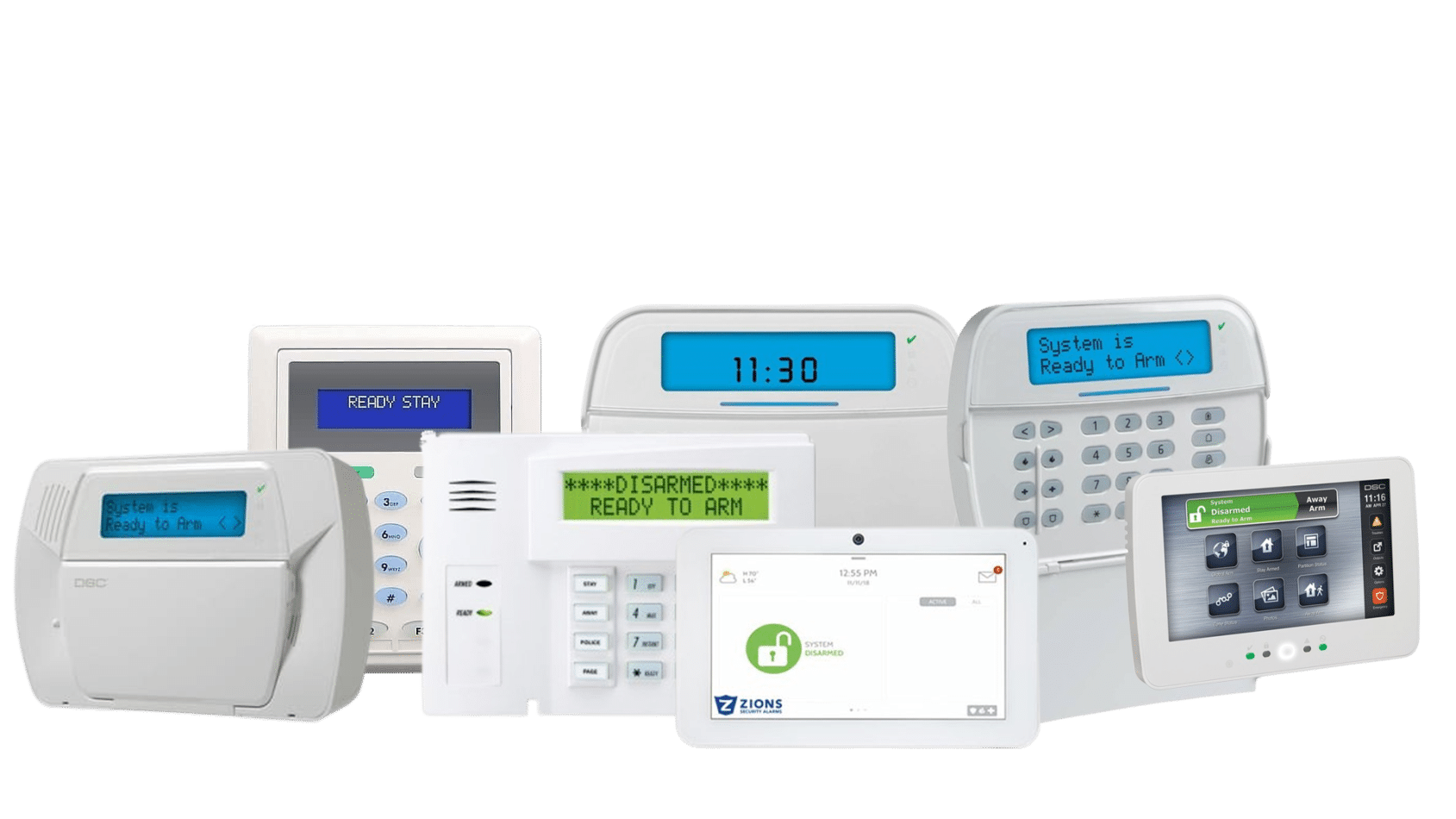
Reliable Security Keypads for Home and Business Protection
A security keypad is the command center of your alarm system, giving you complete control over your home or business protection with just a few presses or taps. Whether you’re arming your system before leaving for work or disarming it when you return, keypads provide a fast, secure, and user-friendly way to manage your security setup. Many of today’s keypads are built with smart technology—featuring intuitive interfaces, visual alerts, and compatibility with other devices. They serve not just as control panels but as an essential part of an integrated security system, helping you stay informed and in control whether you’re at home, in the office, or on the go.
At Zions Security Alarms, we offer a wide selection of modern and traditional keypads that fit every type of property and installation need. From sleek touchscreen panels that simplify navigation to wireless and PowerG keypads that offer flexible placement without the hassle of wiring, our keypads are designed to enhance both convenience and reliability.
Benefits of Using Security Keypads
Security keypads do far more than simply arm and disarm your system—they’re built to make managing your security setup intuitive, efficient, and dependable. With a range of innovative features, they empower users to take full control of their protection with confidence and ease.
- Centralized Control Hub: Manage every aspect of your system from one point, including arming/disarming, bypassing zones, and triggering emergency alerts.
- Ease of Use: Intuitive layouts, touchscreen displays, and quick-access buttons make system navigation simple—even for first-time users.
- Smart Integration: Many keypads connect directly to smart home platforms, letting you control lights, locks, and thermostats right from the same interface.
- Custom User Codes: Assign unique access codes for family members, staff, or guests to track usage and enhance security accountability.
- Visual and Audible Feedback: LED indicators, tone alerts, and voice prompts provide real-time feedback so you always know your system’s status.
- Wireless Convenience: Enjoy flexible placement without the need for cables—ideal for homes or offices where rewiring isn’t practical.
- Tamper Alerts and Protection: Many keypads include built-in tamper detection to notify you instantly if someone tries to remove or damage the device.
- Multi-Device Connectivity: Easily integrate with motion sensors, door contacts, or control panels for seamless communication across your system.
Types of Security Keypads We Offer
At Zions Security Alarms, we provide a wide variety of security keypads to suit different security systems, building layouts, and user preferences. Whether you need a primary control hub or additional keypads throughout your property, our collection ensures you’ll find the perfect match.
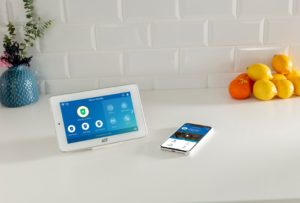
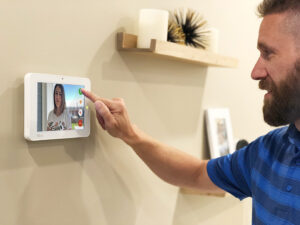
- Touchscreen Keypads: Feature high-resolution color displays that make system control simple and engaging. You can view live status updates, access menus easily, and customize settings directly on the screen—perfect for modern homes and businesses.
- Wireless Keypads: These models provide maximum flexibility for installation. No wiring means you can mount them anywhere—by the front door, near the garage, or in a hallway—for quick system access.
- PowerG Keypads: Built with advanced encrypted PowerG technology, these keypads ensure long-range communication, secure signal transmission, and enhanced reliability—ideal for larger homes or commercial setups.
- Secondary Keypads: Designed for convenience, these can be installed in additional locations such as bedrooms, offices, or secondary entryways, giving you quick access to system control wherever you are.
- LCD and LED Keypads: Classic and dependable, these display essential system information clearly. They’re perfect for users who prefer straightforward functionality without the need for touch interfaces.
- Hybrid Keypads: Combine wired and wireless features for adaptable installation and seamless system expansion.
- Portable or Wall-Mounted Options: Choose between stationary installations for fixed locations or portable units for flexible control around your property.
Featured Keypads We Offer
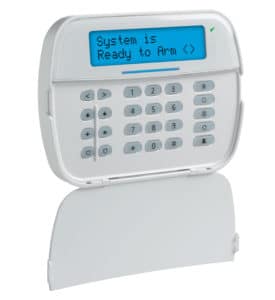
DSC NEO Alpha Keypad with Transceiver
The DSC NEO Alpha Keypad with Transceiver is a modern, slim-line landscape keypad. It has up to 128 hardwired or wireless zones, 5 programmable function keys, and full 32-character programmable labels. With this keypad you can program your DSC NEO Panel and add wireless Power G to the panel so that you can put wireless devices up to 1.2 miles away.
This keypad is also compatible with DSC Powerseries Neo.
Qolsys IQ Remote Secondary Touchscreen Keypad
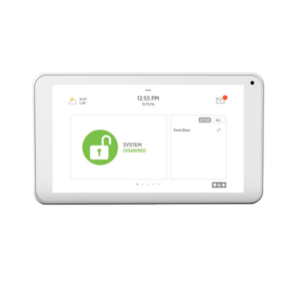
The Qolsys IQ Remote is a secondary tablet keypad that pairs with IQ Panel 2, IQ Hub, and the newest IQ4. It is not in production anymore and uses Wi-Fi only. If you have an IQ Panel 2 this is the only secondary keypad you can use. But if you have the IQ Panel 4 you should use the replacement the IQ Remote Power G.
Not only does it provide a way to arm and disarm your IQ Panel 2 and see sensor status, but it gives you the features you don’t get in your mobile app like chimes, emergency panics, and a siren. Running on a full Android operating system the IQ Remote can be upgraded over the air as new software upgrades are released.
DSC Neo Touchscreen Keypad with Prox
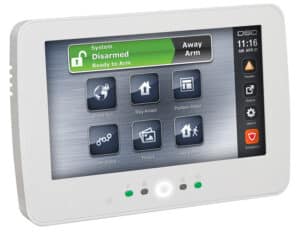
The DSC Neo Touchscreen Keypad stands out for its ease of installation, simplistic programming, and also user-friendly interfaces. Additionally, this keypad is packaged in a clean, low-profile case in either white or black to easily blend into any décor.
This touchscreen’s display can also be easily customized for the user. The clutter-free home screen can be easily modified later by the installer through password-protected setting menus. The background of the home screen can also be easily customized to display contact information, pictures, etc.